Set it up yourself.
QMRs and administrators create the outline, control documents with versions and approvals, and manage users and permissions themselves. Changes to the system stay in your hands.
Popular: document control, audit management, pricing
In the basic seminar, QMRs and administrators learn the setup in six hours. Your employees get up to speed for everyday use with "Getting Started" in about 30 minutes.
The user training is step 3 of your start with eQMS. Tours and support accompany you before it and stay with you afterward.
In a free demo of about an hour, you see eQMS in person with sample data.
With the full scope of features, guided tours, and support.
Basic seminar for QMRs and administrators, "Getting Started" for employees. If you wish, the QM kickoff with an auditor comes first.
Help Center, tours, quick start, and free support stay available. Refreshers help with new features.
You can find the whole process under Getting started with us.
Training for experts and beginners, from setup to refreshers: The basic seminar is the entry point for QMRs and administrators. The tabs also show "Getting Started" and the two refreshers with content, duration, and price.
For QMRs and administrators who set up and maintain eQMS. The three parts follow the structure of your eQMS: first basic settings, outline, and documents, then the QM tools, and finally users and other tools.
Open individual topics to see what you will be able to do afterward.
Topics 1 to 5
What you can do afterward: You tailor the eQMS to your company and know where to adjust basic settings later.
What you can do afterward: You build the structure of your QM system so that every colleague finds their document where they expect it.
What you can do afterward: You transfer your existing QM documents into the right areas of the outline.
What you can do afterward: You manage documents in daily work, from filing, properties and search to archiving.
What you can do afterward: You guide documents from creation through two-person approval to read confirmation, and you know how the audit trail logs changes with the person, time, and old and new value.
Topics 6 and 7
What you can do afterward: You work with the QM tools from the menu of your eQMS, for example audits, technical equipment, training, suppliers, actions and the legal register, and you know which tool handles which task.
What you can do afterward: Your existing revision levels move over with you. The valid version is clear from the very start.
Topics 8 and 9
What you can do afterward: You add colleagues, assign roles and permissions, and control who views, reviews, and approves.
What you can do afterward: You know more tools in your eQMS and complete the setup so your colleagues can get started right away.
Your trainer adapts the training to the prior knowledge and tasks of your participants. Because you practice directly in your own eQMS, the structure for your start is already in place after the basic seminar. With "First steps," your employees join in.
Request basic seminarFor employees who work with eQMS every day. Your employees learn:
Afterward, they know where their work instruction is and how to report anything unusual in the right place.
On request, the trainer trains participants individually and makes individual basic settings along the way.
Request First stepsFor QMRs and administrators who have attended the basic seminar. You go deeper into these topics:
You will also learn important features that are new since eQMS 2.0:
For employees who have attended "First steps." Here is what to expect for your employees:
The focus is on what is new in eQMS 2.0:
The refresher works well as an annual session, so your team knows new features and puts current standard requirements into practice in eQMS.
Request refresherWell-trained users turn eQMS into a tool that is truly used in daily work.
QMRs and administrators create the outline, control documents with versions and approvals, and manage users and permissions themselves. Changes to the system stay in your hands.
Your QMR knows the system and answers everyday questions within the team. For everything beyond that, eQMS support helps at no charge.
Employees find valid work instructions and document findings in the right place. Everyone works with the same valid version, new colleagues find their way around faster, and the knowledge about your processes stays in the company.
The training should match the work someone actually does in eQMS. That is why we separate setup, daily use, and refreshers.
In the basic seminar, you discuss decisions on outline, documents, roles, and approval paths together with a trainer from support.
To the basic seminarWith "First steps," you get to know the user account, user interface, key features, messages, and findings in about 30 minutes.
To "First steps"The refreshers show the features of eQMS 2.0 and bring experienced colleagues up to date.
To the refresherThe training time is manageable, and you can file the certificates of attendance in the Qualification module of eQMS as proof of competence for the audit.
To the fixed pricesStandards knowledge is different from software operation. What ISO 9001 requires or how a QM system is built is covered by our auditors in the ISO 9001 training, in the QM kickoff, and in the eQMS onboarding support.
Your trainer comes from the eQMS support team. They support customers from first orientation through training and know the questions that come up again and again during setup and in daily work. For questions on standards, processes, and audits, our auditors, consultants, and instructors are at your side.
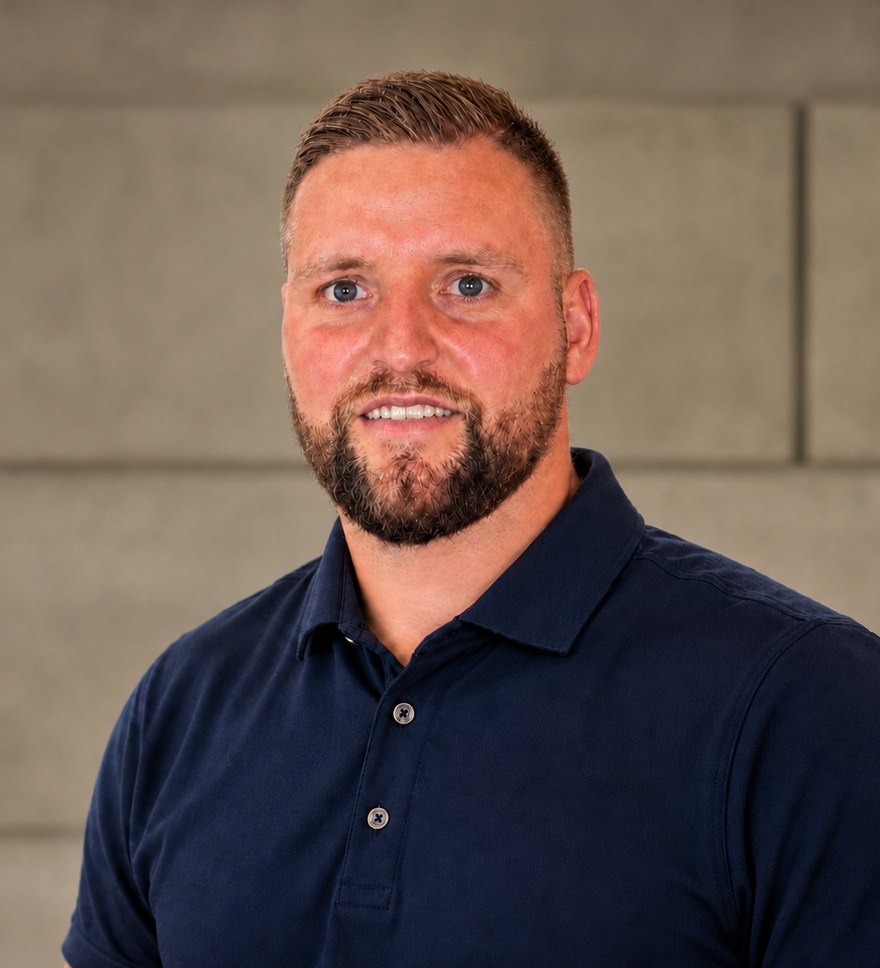
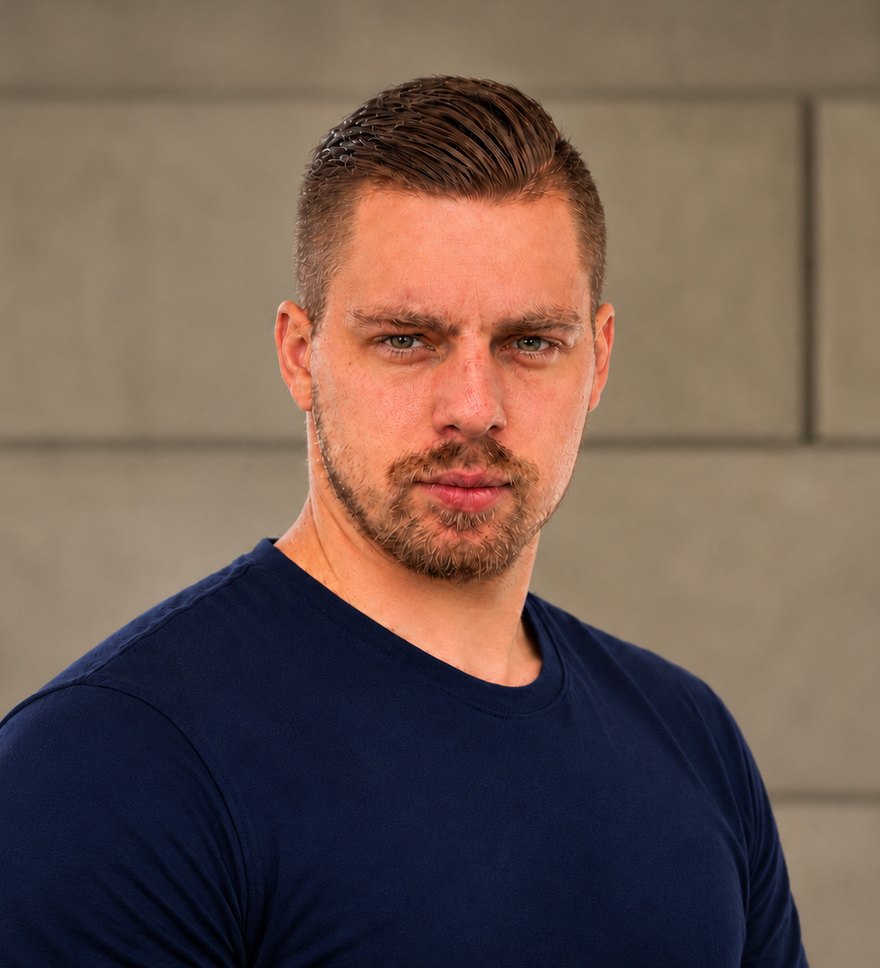
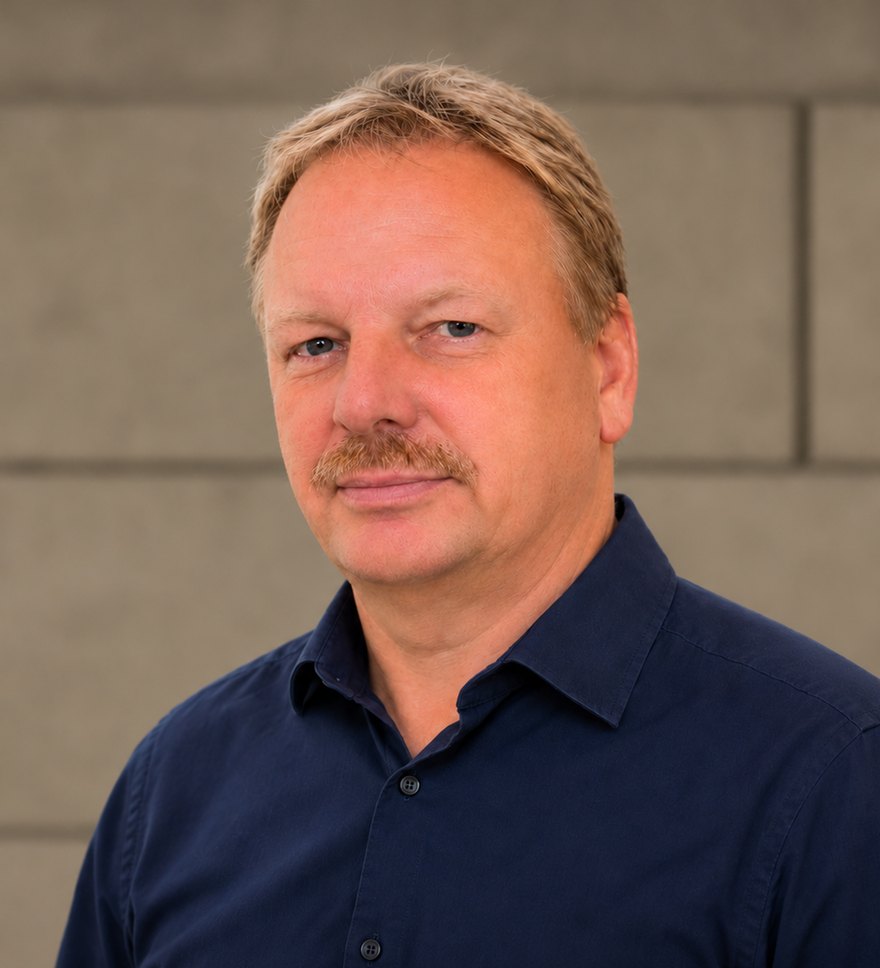
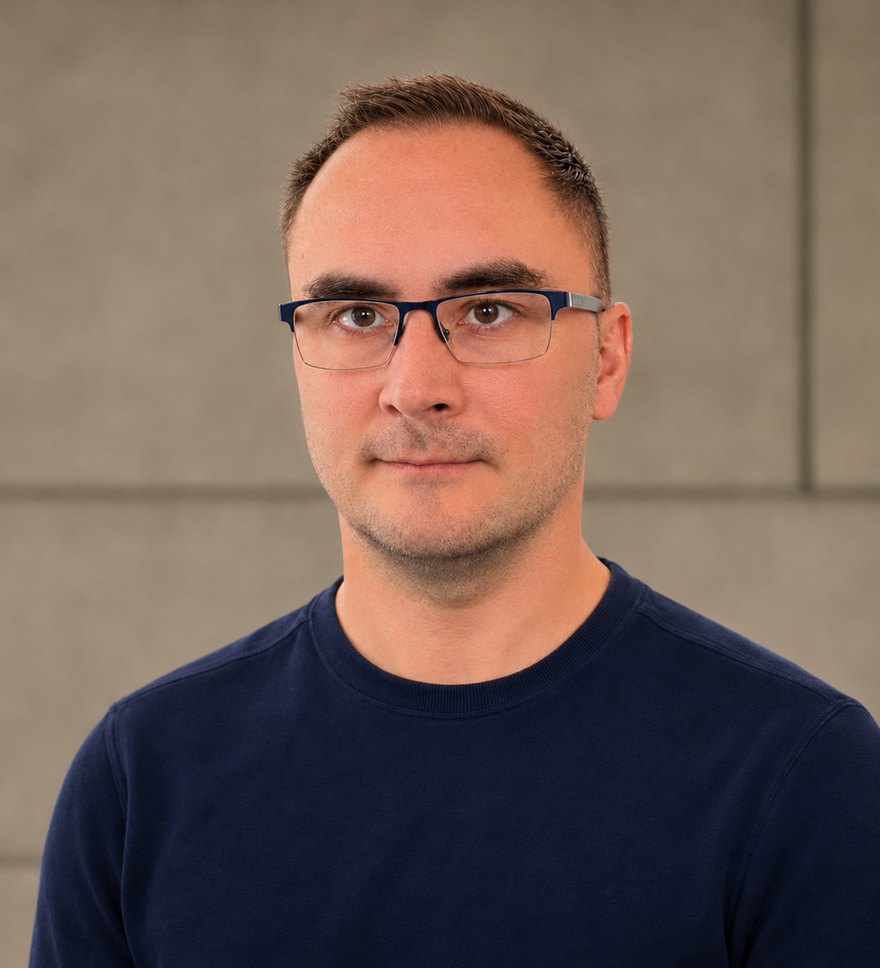
These are your main contacts. Behind them is a whole team of auditors, QM consultants, support staff and software developers working together for you. More about us
For standard requirements, roles, and audit practice, there are additional specialist trainings with the experienced auditors of eQMS.
Two days of standards knowledge and practical application.
To the trainingThree days for the tasks and annual plan of your QM role.
To the training courseTwo days for planning, conducting, and evaluating internal audits.
To the training courseUse AI deliberately as a work aid and review its output.
To the courseMore offerings: data protection training for employees as well as training for medical device consultants, medical device safety, and PRRC.
Compare the four courses directly by target group, scope, price, and qualification. The prices apply to the stated number of participants, plus VAT. For additional participants and training at your site, we will prepare a suitable quote.
For QMRs and administrators who set up and maintain eQMS.
No prerequisites
1.199 €excl. VAT
for 2 participants
For employees who work with eQMS every day.
No prerequisites
799 €excl. VAT
for up to 10 participants
For QMRs and administrators who have attended the basic seminar.
Prerequisite: basic seminar
699 €excl. VAT
for 2 participants
For employees who have attended "First steps."
Prerequisite: "First steps"
699 €excl. VAT
for 2 participants
On request
Our trainers are happy to come to your company at a fixed price plus travel and, if necessary, overnight costs. The fixed price applies online and at our location.
Exam and certificate
For the basic seminar and both refreshers. You receive the certificate after an exam at the end of the training. You receive the certificate of attendance in every course.
Answers on getting started, target groups, prices, certificates, and how the specialist trainings differ.
Ask another questioneQMS user training covers how to operate the QM software eQMS, delivered by the eQMS support team, online, at our location, or at your site. The basic seminar (6 hours) is for QMRs and administrators who set up the system, the "First steps" course (about 30 minutes per user) is for employees who work with it, and the refresher (4 hours) is for both groups. You receive a certificate of attendance, and in the basic seminar and the refreshers, a certificate after an exam on request. Questions on standards, processes, and audits are covered by the experienced auditors of eQMS in separate trainings.
For operating eQMS, there is the basic seminar for QMRs and administrators, "First steps" for employees, and refreshers for both groups. Our auditors teach ISO 9001 standards knowledge and audit skills in separate specialist trainings.
The basic seminar is part of getting started with eQMS. Beforehand, you can get to know the system in a free demo and try it for 14 days. Guided tours and support help you along the way.
In the basic seminar, QMRs and administrators set up eQMS and learn administration. "First steps" shows employees in about 30 minutes how to use the system in daily work.
You choose: online, at our location, or at your site. For training at your site, travel and, if necessary, overnight costs are added to the fixed price. You practice directly in your own eQMS, and the content follows the prior knowledge and needs of your participants.
The basic seminar costs €1,199 for two participants, "Getting Started" costs €799 for up to ten participants, and both refreshers cost €699 each for two participants, all excl. VAT.
You receive a certificate of attendance. For the basic seminar and the two refreshers, an exam and a certificate are available on request. You can file the proof in the Qualification module of your eQMS.
In the user training, you get to know the software. Our auditors cover standard requirements, process design, and audit preparation in the ISO 9001 training, in the QM kickoff, and in the eQMS onboarding support.
Tell us which courses are of interest to your team and how many people will attend. We will then agree on the date, format, and qualification together.
Talk to us in person+49 34293 4797-37